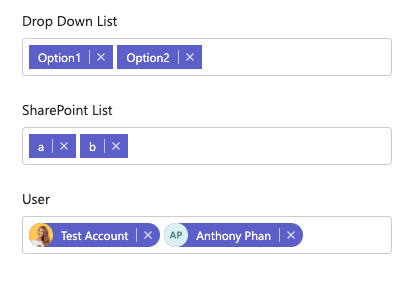
Allowing multiple selections
Most components like drop-down menus, email inputs, user selections and file uploads can easily be configured to allow the user to enter multiple inputs. You can enable this by following the steps below:
-
Open the settings for your component and navigate to the “data” tab
-
Within the data tab click “Multiple Values”. Your component will now allow multiple inputs
It’s important to note that when allowing multiple, the data will now be stored as an array.