How can I manually download the PDF for a submission?
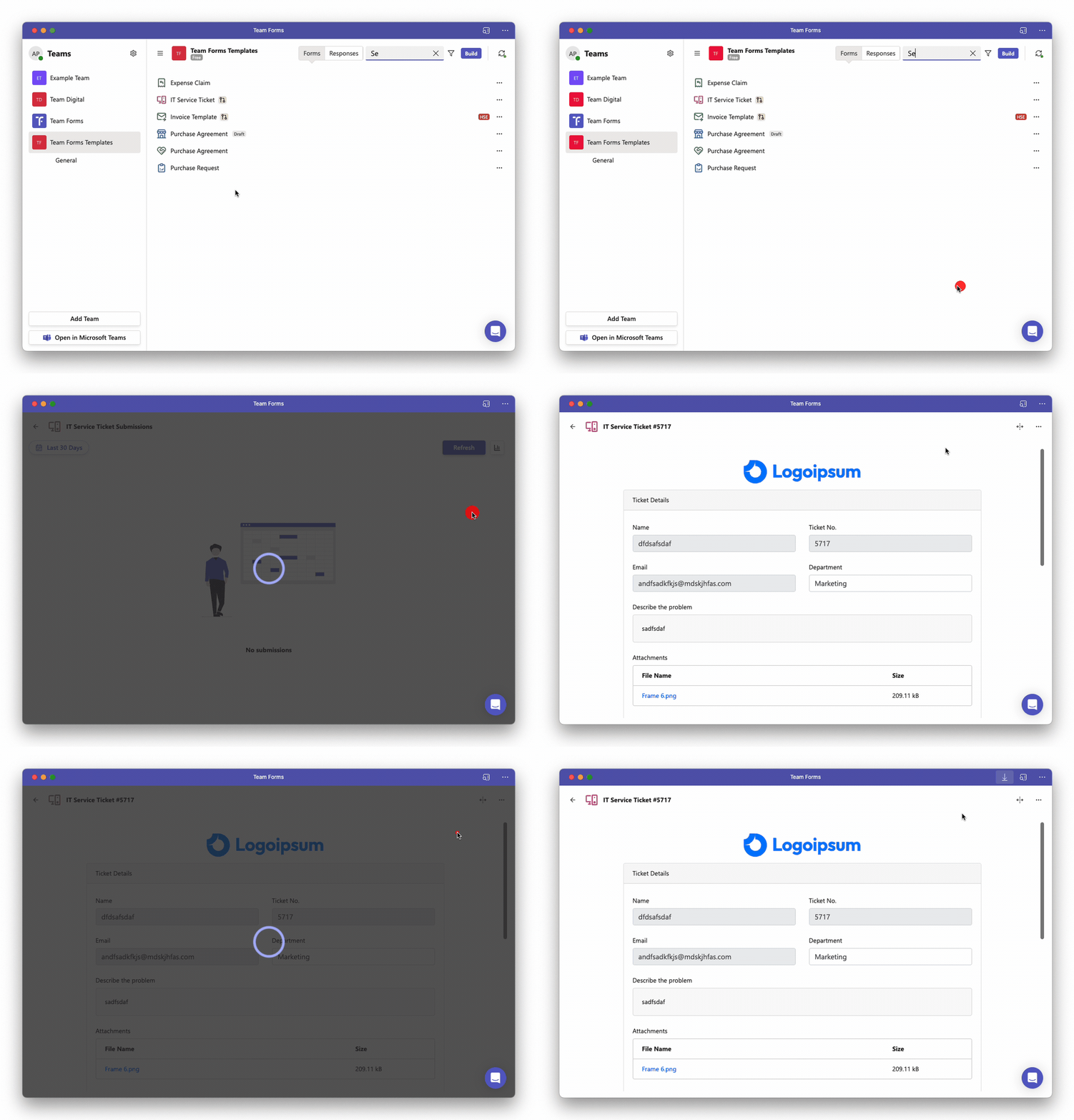
To manually download the PDF for a submission you can follow the steps below:
-
Open the submissions screen or Responses tab and locate the response.
-
Open the response and click the ”…” icon in the top right and corner to open the context menu.
-
Click “Download PDF”