Generate a reference number for each response
It’s often useful to have a unique identifier available each submission to use as a reference number. Fortunately, Team forms automatically generates a unique auto-incrementing number and unique text-based id for every submission. This reference number/id is available next to each response on the submissions screen. This article will show how you display the generated submission number with the form itself.
Unique Auto Incrementing Number
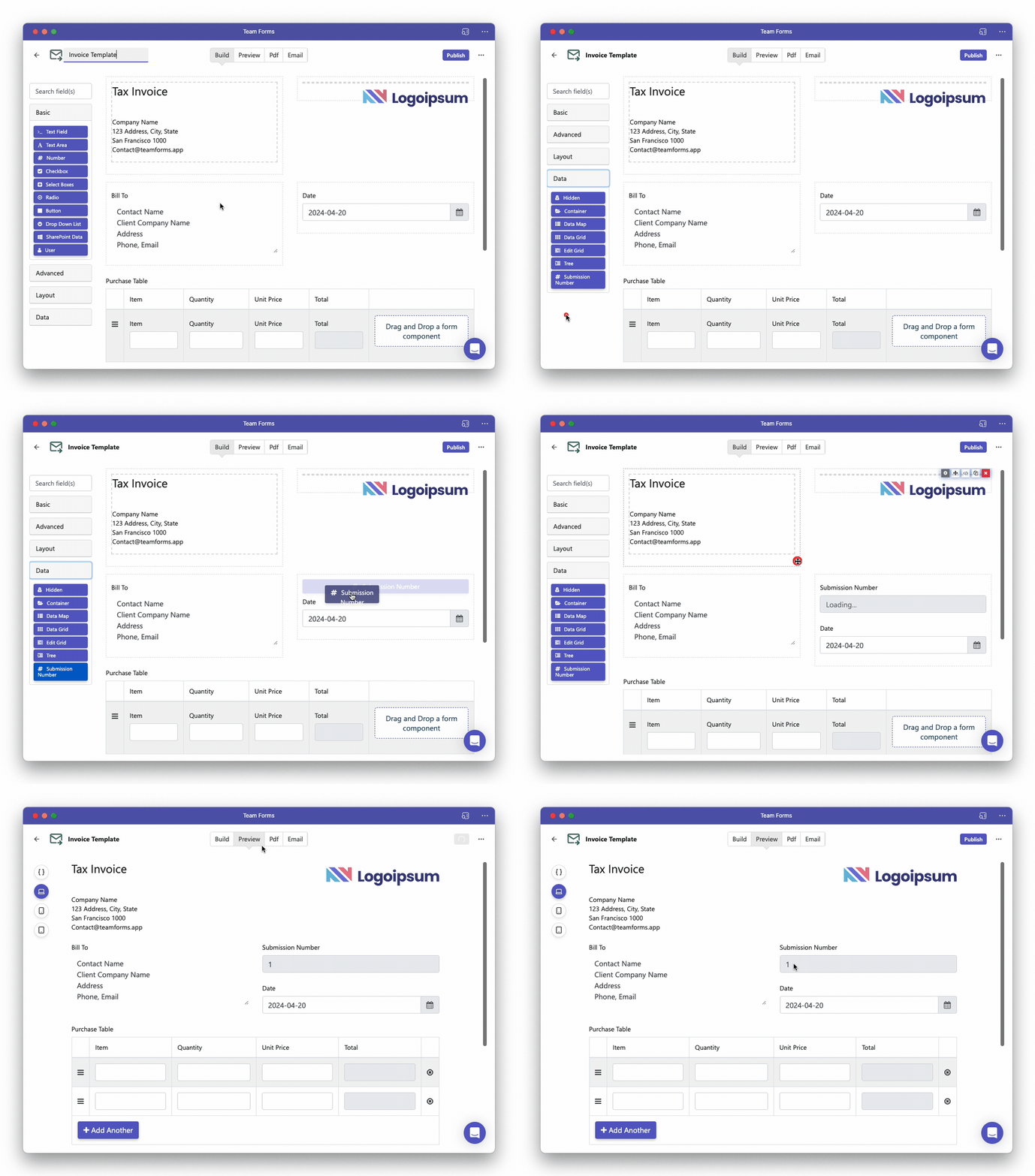
Section titled “Unique Auto Incrementing Number”To display the auto-incrementing submission number within your form simply drag-and-drop the “submission number” component into your form. This is available under the “data” component category as shown in the video below:
Unique Text Id
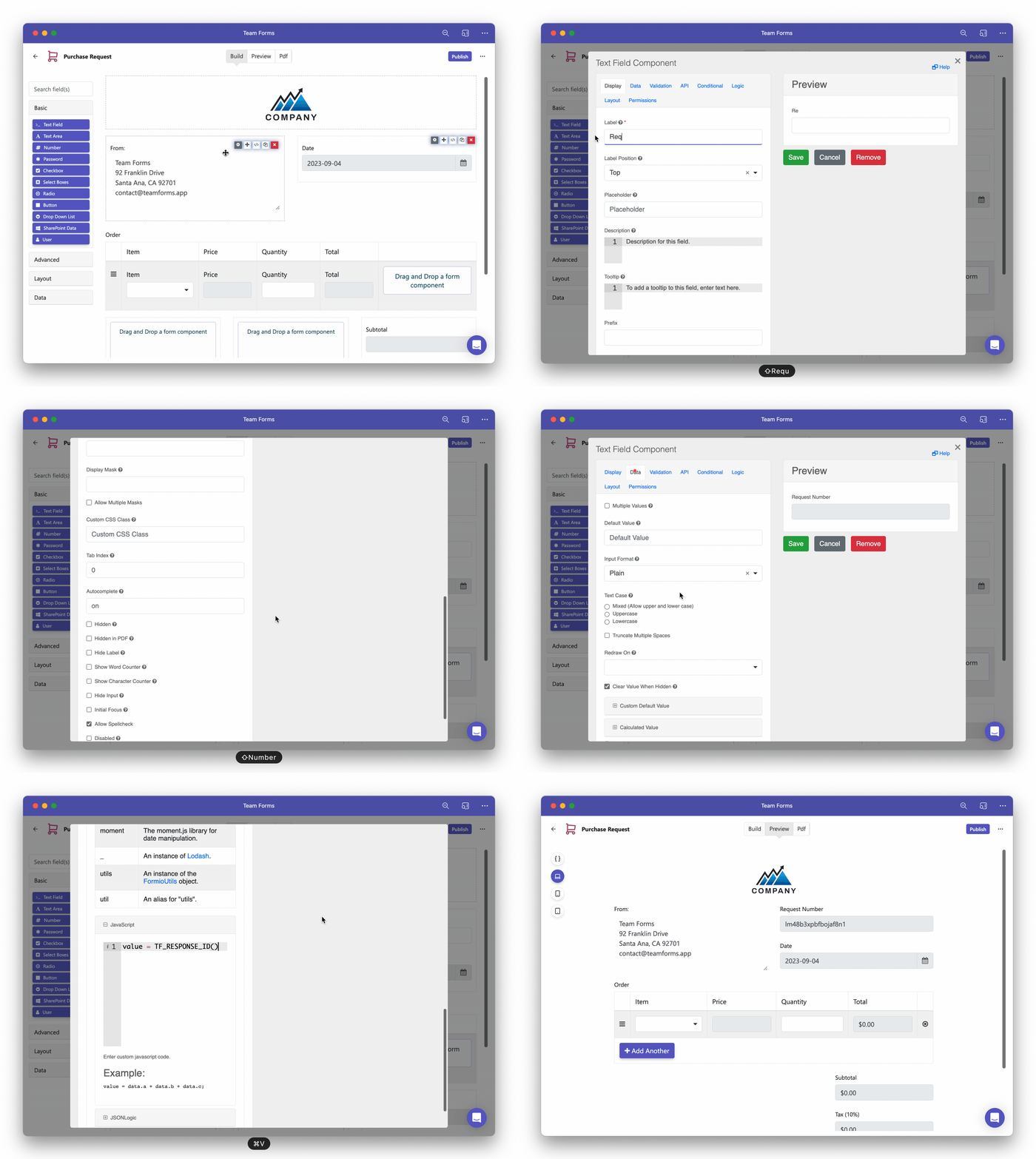
Section titled “Unique Text Id”All submission are automatically assigned a unique string/text that Team Forms uses to reference responses. You can access this unique identifier using the javascript function TF_RESPONSE_ID(). To display this id in the form itself simply:
-
Drag and drop a text field into your form
-
Under the data tab, locate the “Custom Default Value” option
-
Paste the below JavaScript expression into the field
value = TF_RESPONSE_ID()