Files and Attachments Component
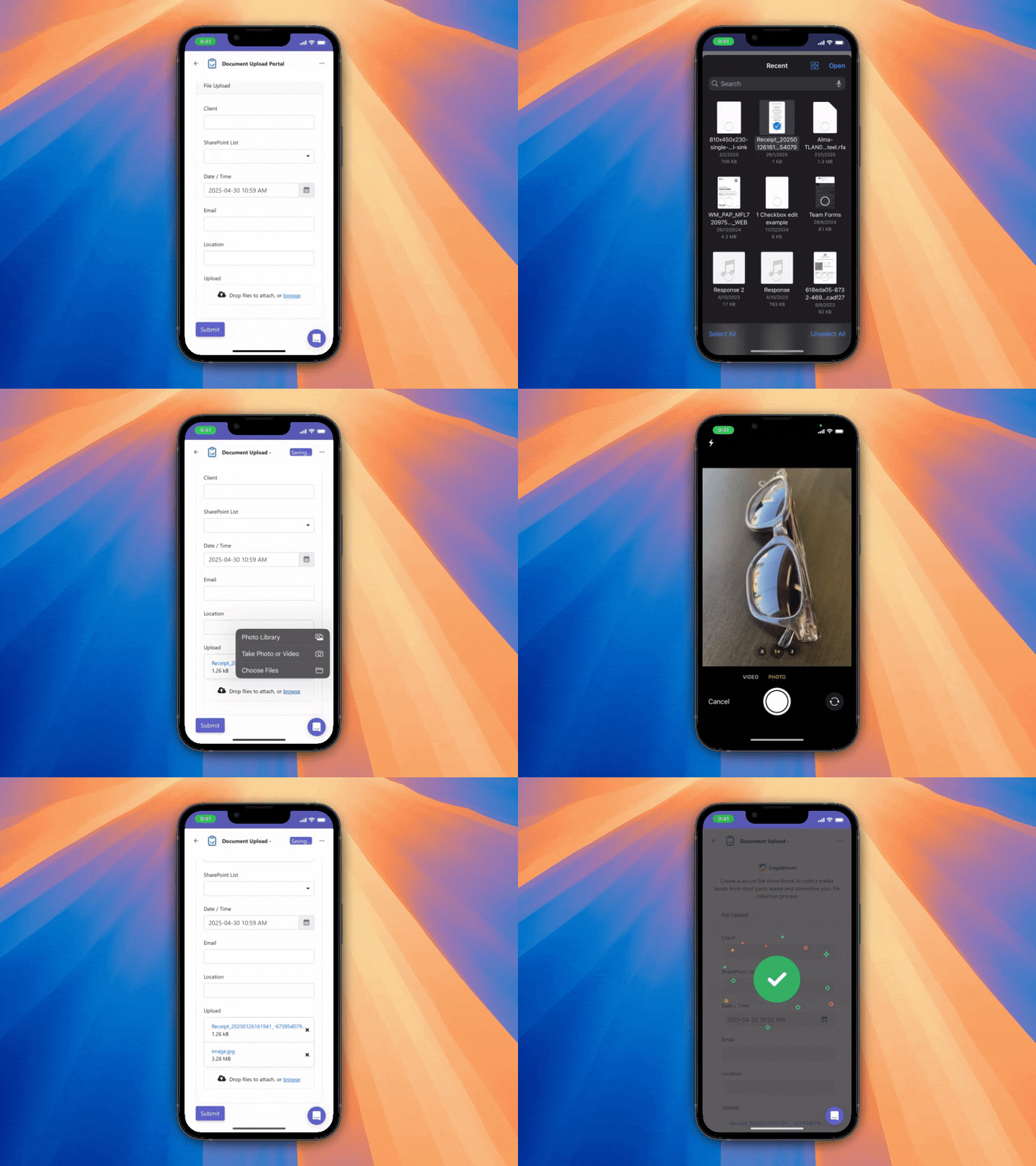
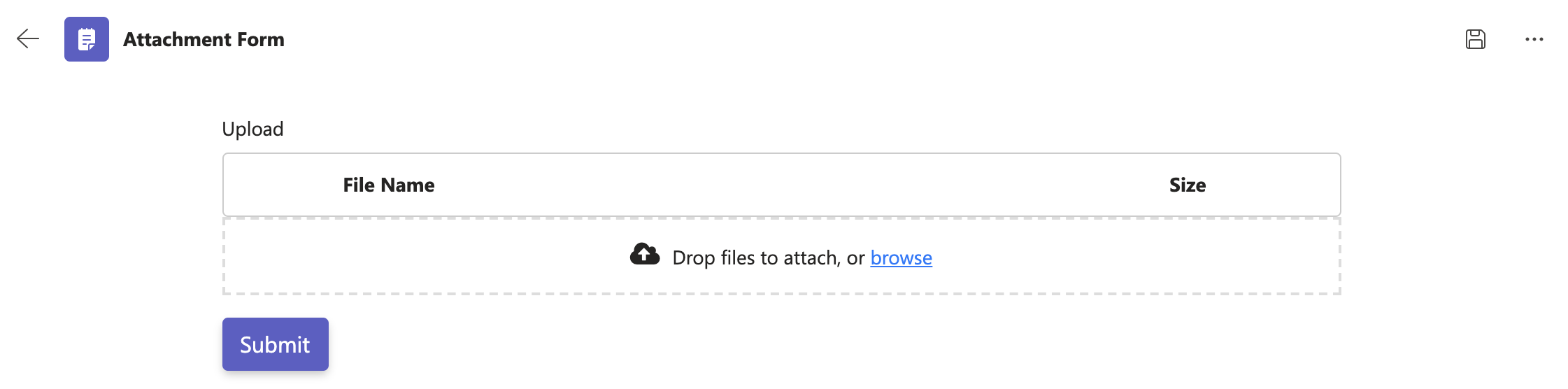
Forms can contain file components to allow users to upload files or capture photos using their PC or mobile devices. These files are automatically uploaded to SharePoint as described in Where Team Forms data is stored. This feature works offline, allowing your field service personnel to continue to be productive in network-constrained environments.
Mark-Up Images
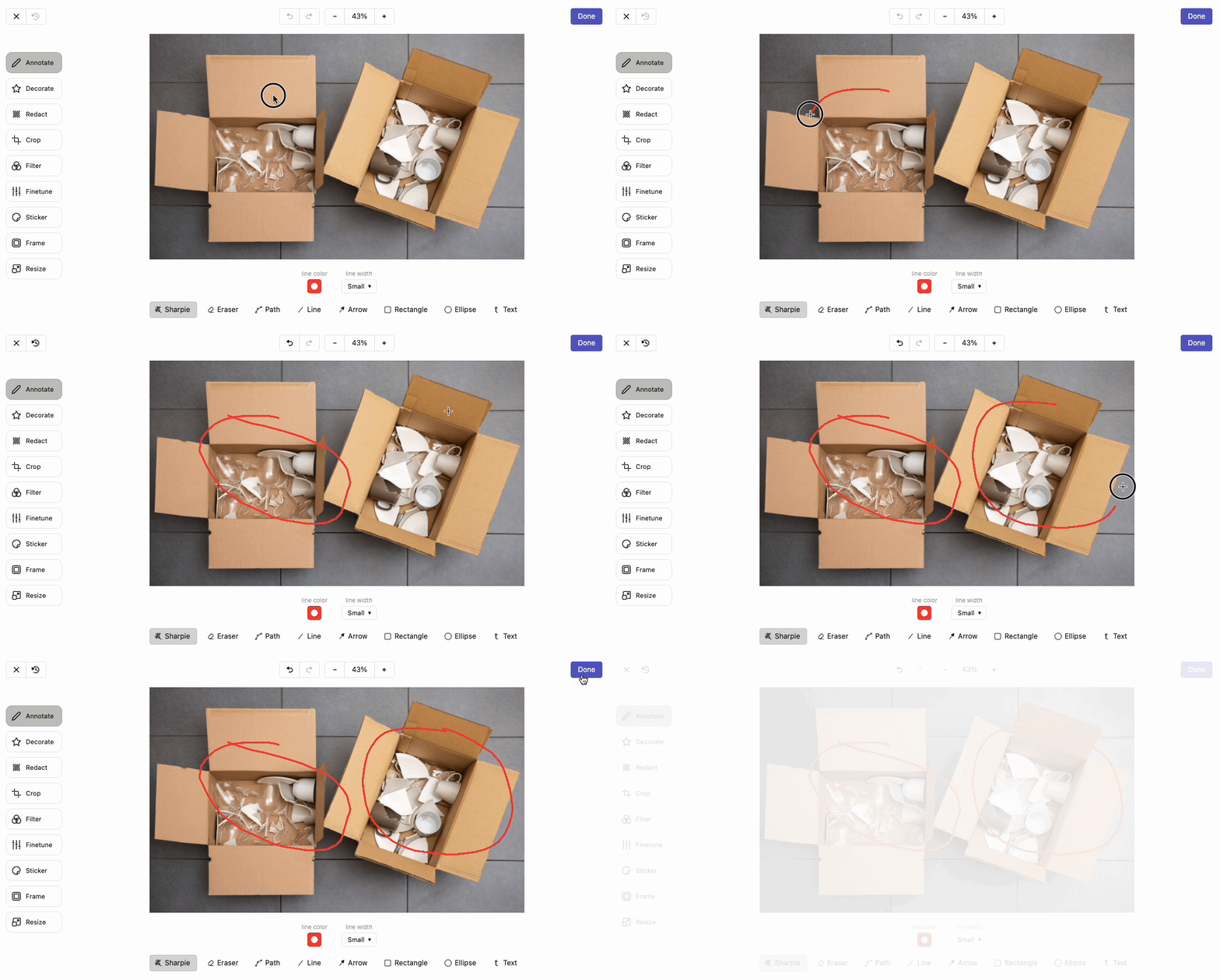
Section titled “Mark-Up Images”Users can annotate images using Team Forms’ inbuilt image editor. This is useful for highlighting important features. To enable this feature to navigate to the display tab of the file component and check the “Show image editor” box.
Mark-Up PDFs
Section titled “Mark-Up PDFs”To allow PDF markup, enable Show PDF Editor in the file component’s Display tab. The editor opens when a PDF is uploaded. Users can also select the pencil beside an uploaded PDF to edit it later.
Use Draw, Text, Highlight, Circle, or Arrow to add markup, then select Done. Drag on a page to create a circle or arrow using the selected colour and line width. Shapes can be moved, resized, recoloured, or deleted just like drawings. Saved annotations remain editable when the attachment is reopened: activate a markup tool and select an annotation, or double-click saved markup. Users can change or delete annotations and save again. The original PDF is retained alongside the edited attachment in SharePoint.
Cancel discards the current editing session. Password-protected PDFs must be unlocked before they can be marked up. Offline editing requires the attachment to be available locally and the app’s offline assets to have finished downloading. Some PDFs need additional fonts or image decoders, which are downloaded as needed. Before working offline, open these PDFs and view each page while connected so the required resources can be cached on your device.
Mobile Uploads
Section titled “Mobile Uploads”When using the file component on a mobile device, users can either capture a new photo using the device’s built-in camera or select an existing file from their preferred file app.