
Issue with Accessing Team Forms on Latest iOS
If you’re using Team Forms as a channel app on the latest iOS, you might encounter an error stating:
“Something went wrong, and we can’t open the Team Forms app right now.”
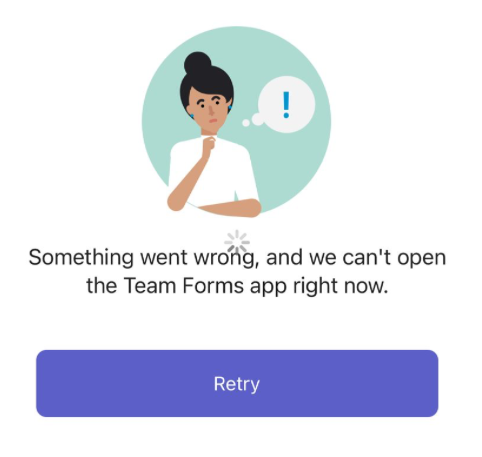
This issue was introduced in the most recent iOS update. To resolve it, you’ll need to remove and re-add the Team Forms tab. Performing this action will fix the issue for all users.
Steps to Resolve:
-
Open the Teams channel (within Microsoft Teams) where the Team Forms tab is located.
-
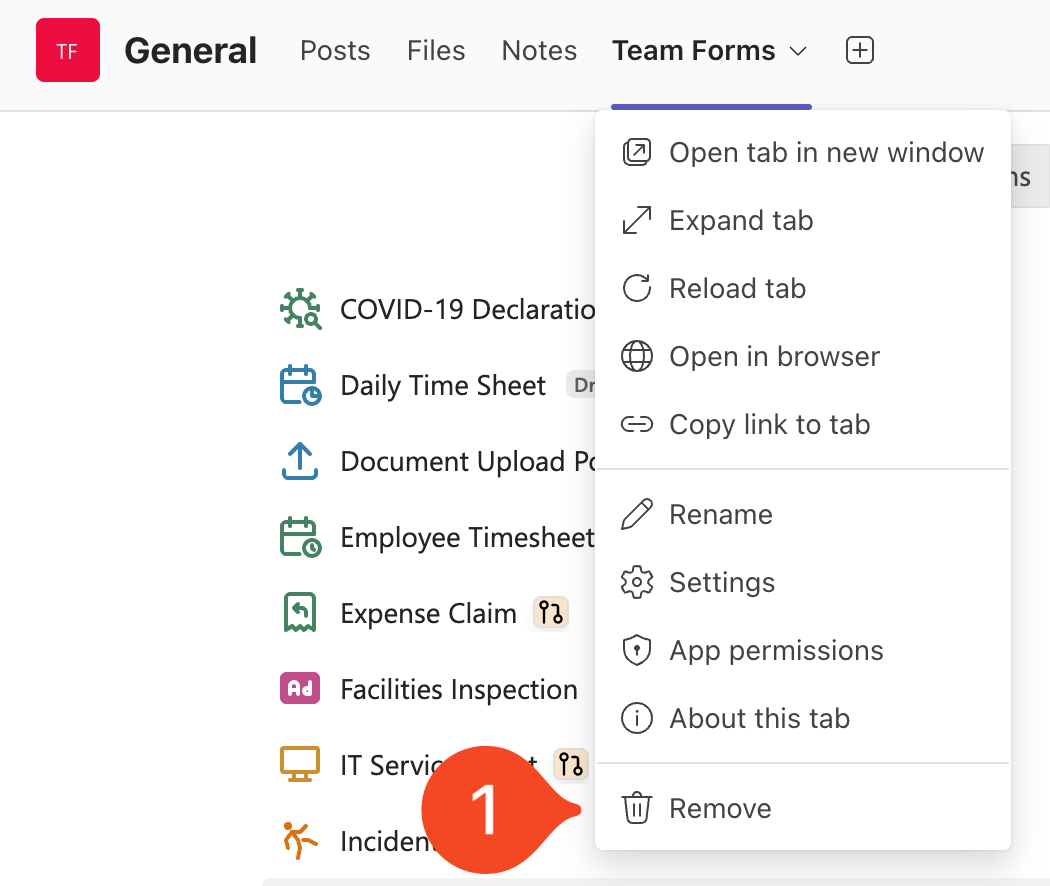
Right-click on the Team Forms tab and select “Remove” from the menu
-
Re-add the Team Forms tab by clicking the ”+” icon at the top of the channel.