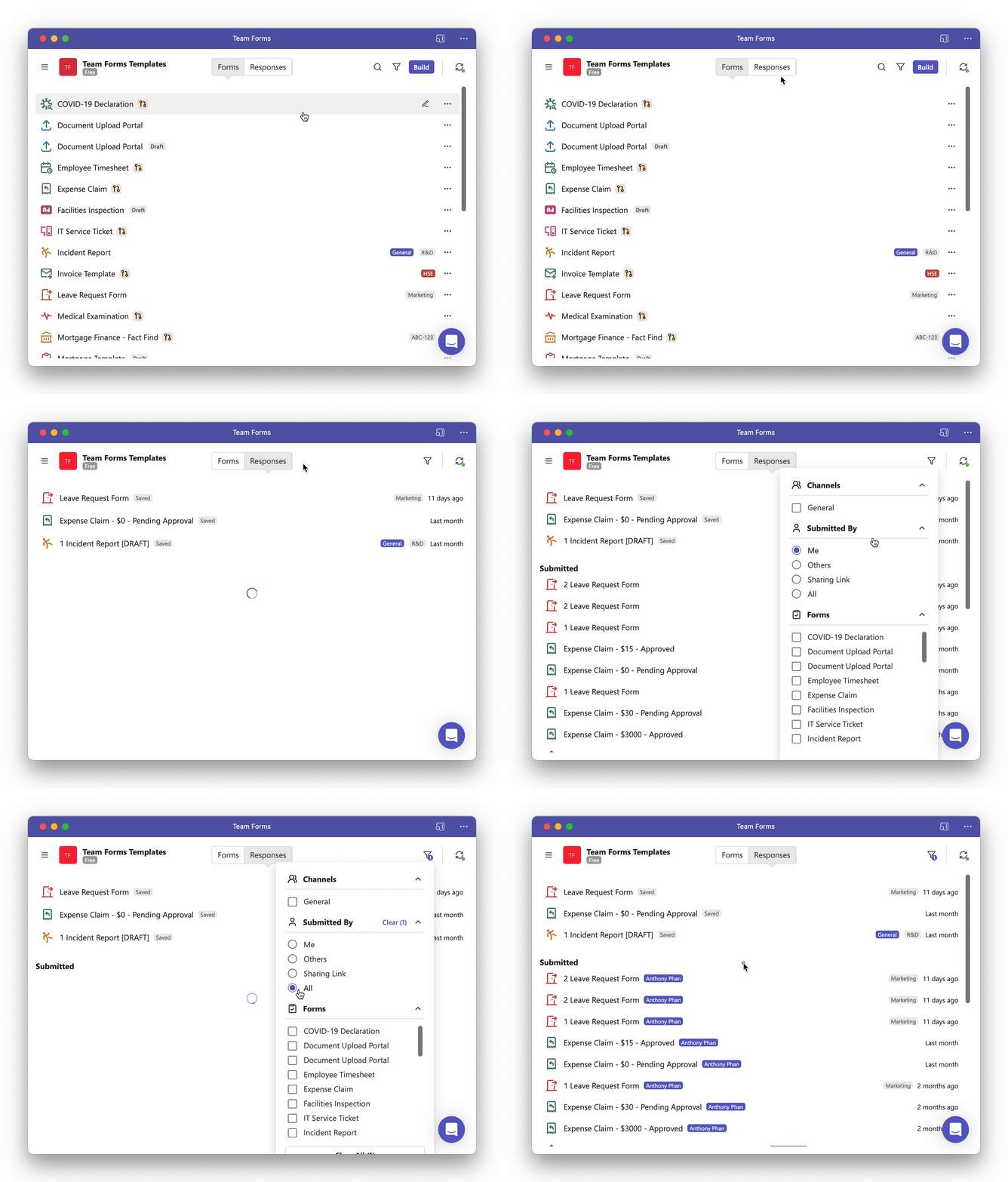
Where are all the responses?
If you are unable to see responses from other team members this is most likely because the responses tab only shows your own submissions by default. To see other team members responses from within the responses tab you will need to change the filter by following the steps below:
-
Navigate to the responses tab
-
In the top right hand corner click the filter icon
-
Change the default filter form “Me” to “All”
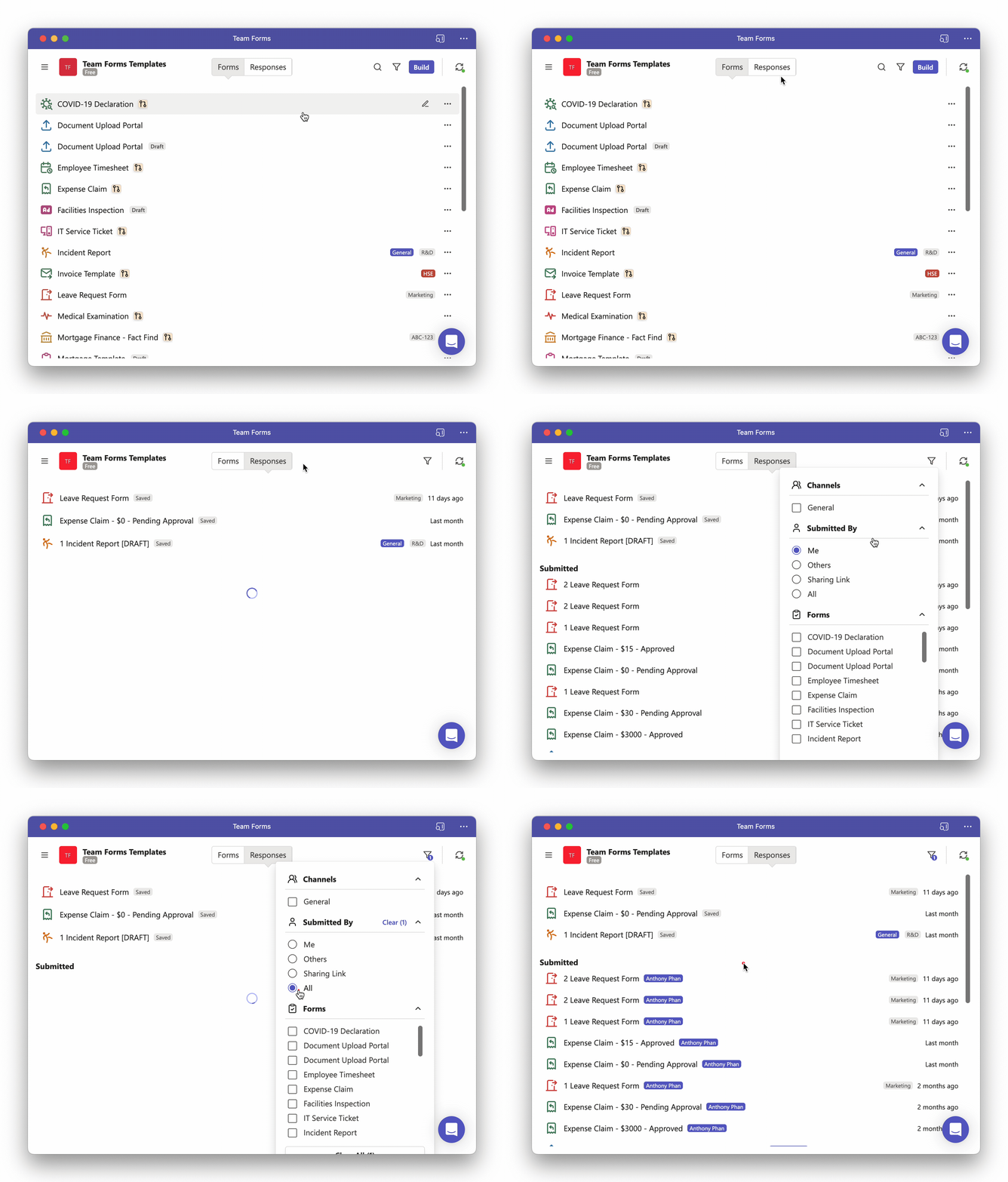
Alternatively, you can also view all responses to a specific form in a filterable table format using the submissions screen which can be accessed using the following steps:
-
Hover over the form you wish to view responses for
-
Click the “…” icon that will appear and then within the menu select “View Submissions”